Mac & Windows · on-device

Record. Present. Ship something actually good.

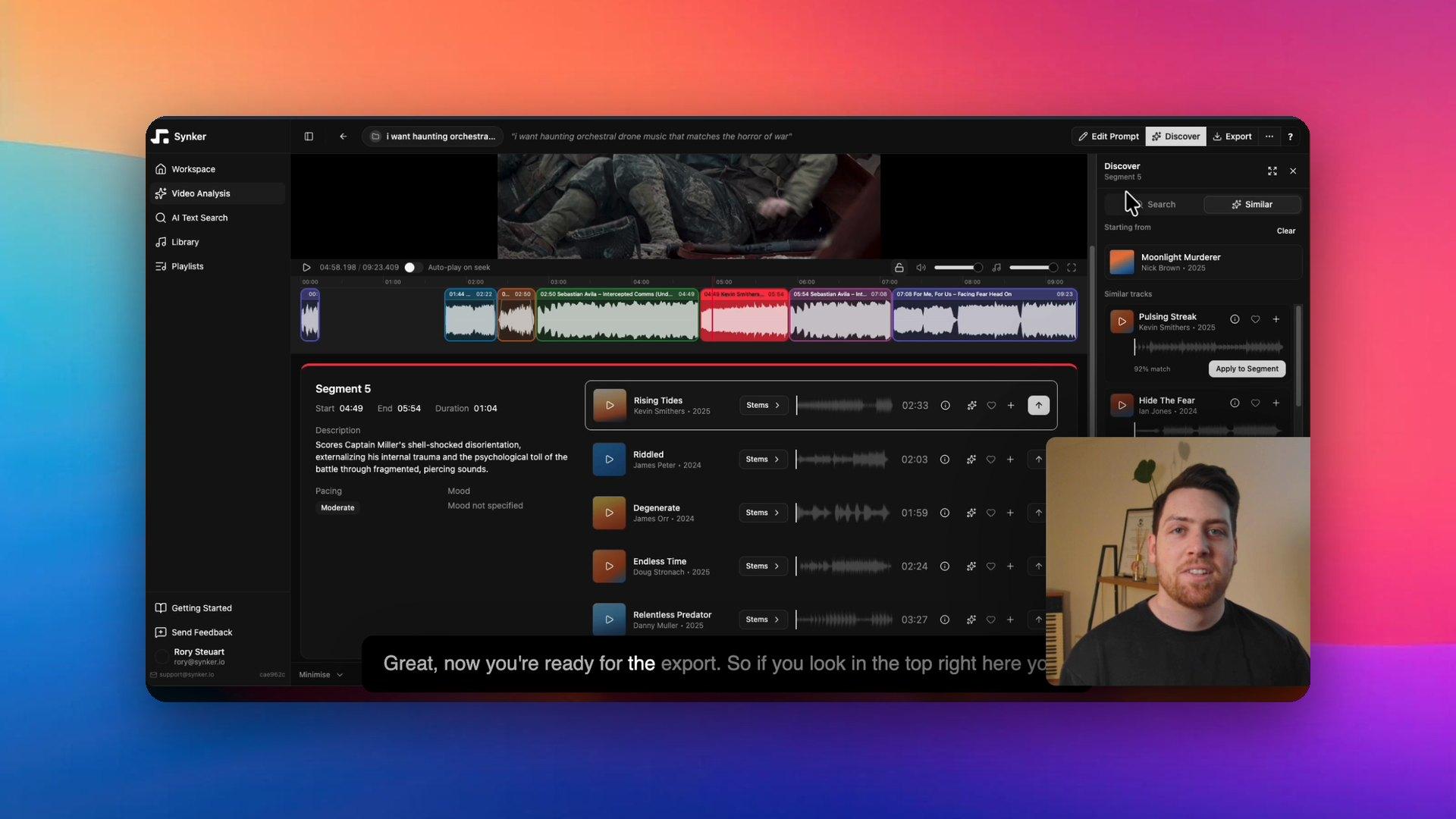
The desktop studio for product demos, pitch videos, and presentations. Record in takes, edit by editing the words, and let on-device AI clean the rest.

Free to try · No account needed · No watermark

How it works

Three moves. No 47th re-record.

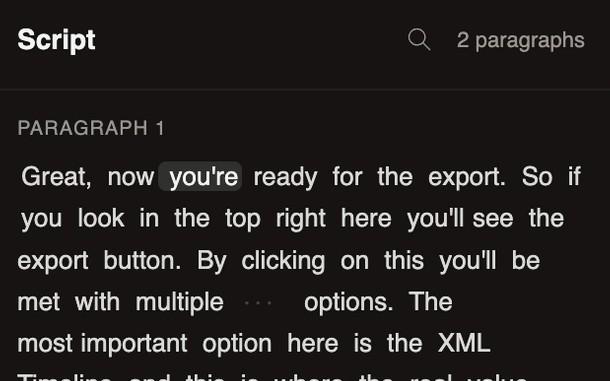
The Script panel: a paragraph of the founder’s demo script with the current word highlighted

Script it

Outline what you’ll say. The teleprompter follows you, so there’s no memorizing and no reading eyes.

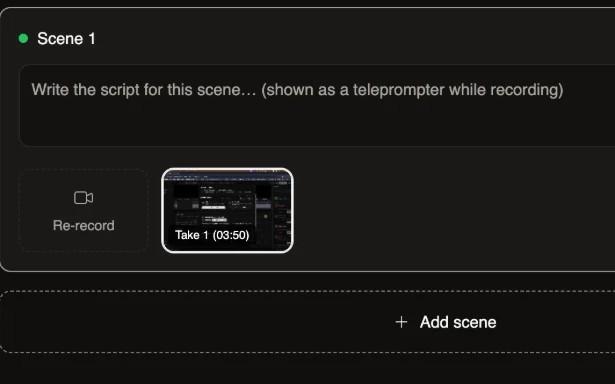
The Record scenes screen: Scene 1 with its script, a Re-record tile and Take 1

Record in takes

One section at a time. Flub a line? Re-take that section, not the whole video.

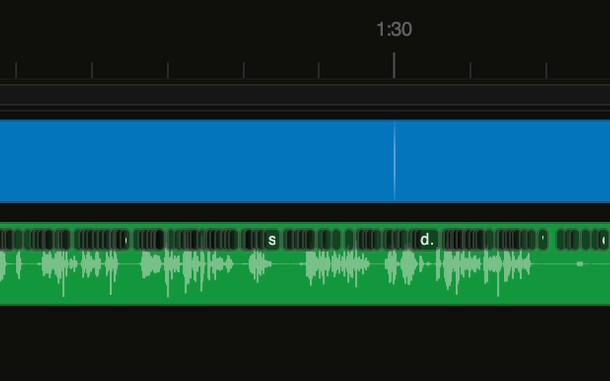
The timeline: scene track and the voice waveform with word markers

Edit the words

Delete a sentence in the transcript and the clip is cut. The fastest edit is a backspace.

The studio

Everything from script to export

01 / Recording

Record in takes, keep the good one

Every section gets as many takes as you need. Audition them side by side, keep the best, and the rest never ship.

  • Per-section takes
  • Teleprompter
  • Webcam + mic + screen

02 / Editing

The fastest way to edit video is to edit the words

Your recording becomes text. Delete the “um”, and the clip is cut. No timeline surgery, no scrubbing.

  • Transcript editing
  • Filler-word removal
  • Silence trimming

03 / AI cleanup

Studio sound from a kitchen table

Room noise, uneven volume, dead air. Cleaned on your machine, and nothing leaves your laptop.

  • Noise removal
  • Volume leveling
  • Silence & filler trimming

04 / Polish

Auto-zoom that follows the action

Smart zooms track your cursor, backgrounds and padding make raw captures look produced. Captions included.

  • Auto-zoom
  • Cursor smoothing
  • Backgrounds & captions

05 / Export

Rendered on your GPU, never uploaded

Hardware-accelerated MP4 and GIF export. Your footage stays on your machine from record to ship.

  • 4K · 60fps
  • MP4 & GIF
  • Local-only

Effects

Pick an effect. Judge it yourself.

Every effect runs on your machine, and every one is previewable before you commit. Video effects wipe between the raw take and the processed one; audio effects you flip between while they play.

Video / drag to compare

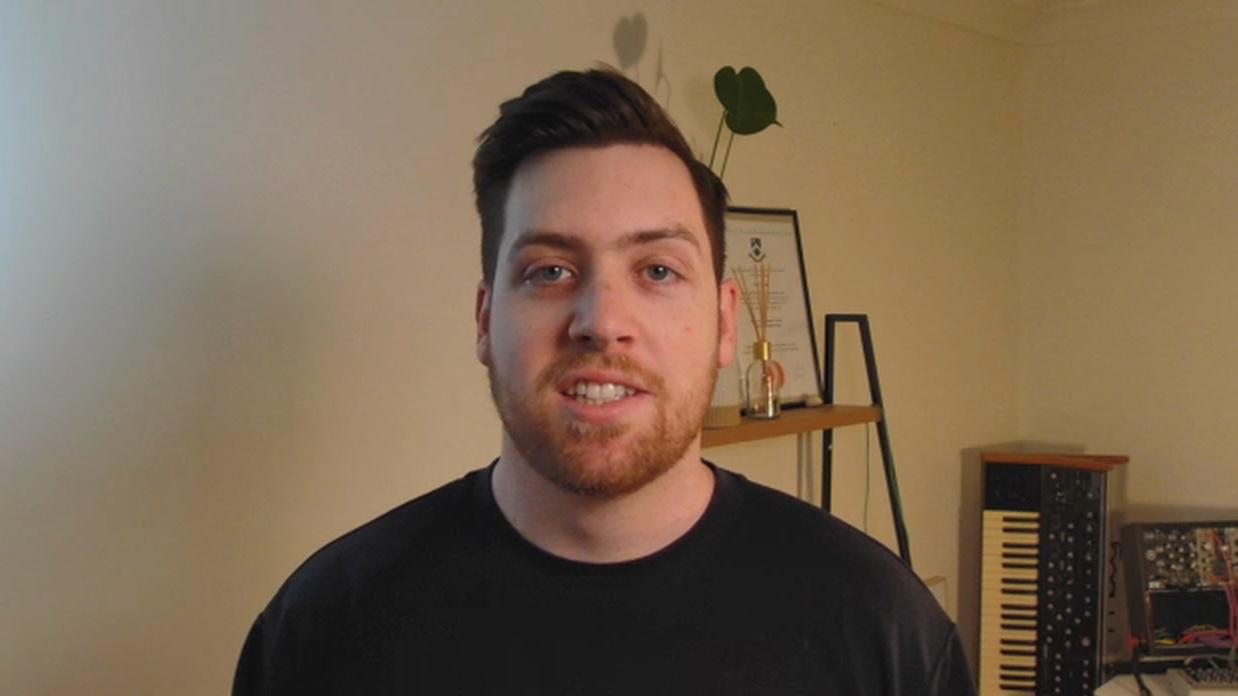
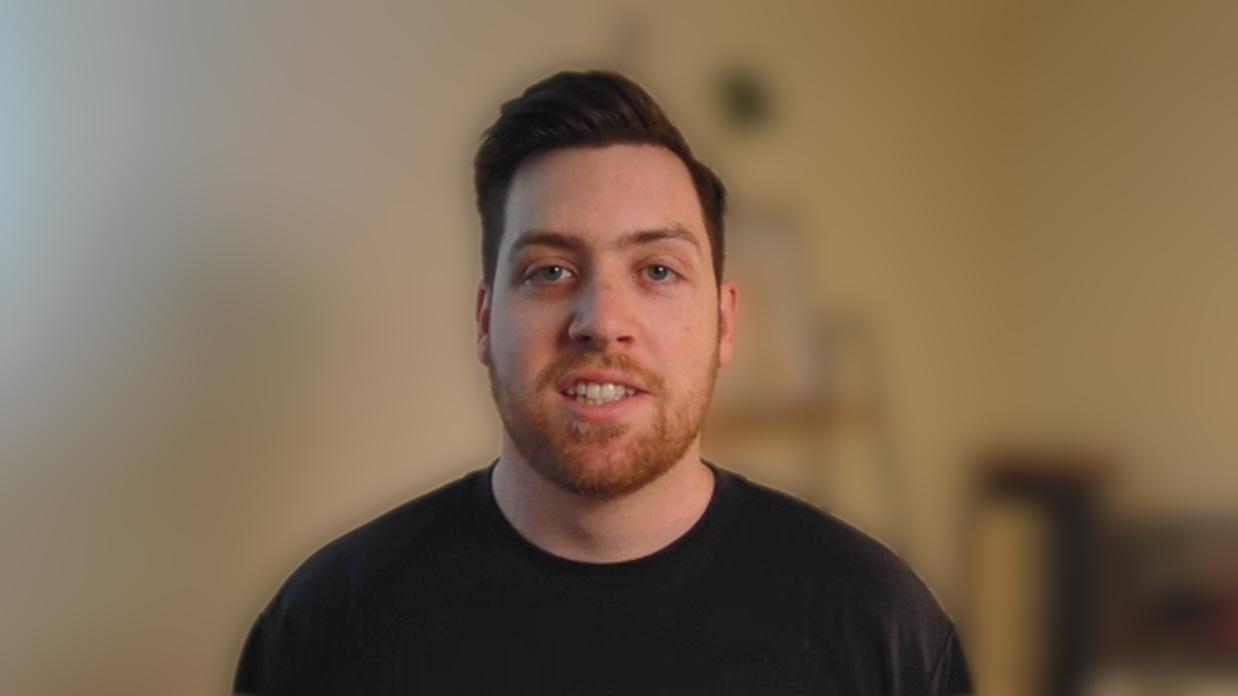
Separate yourself from a messy room without a green screen. The blur runs on-device.

Audio / listen and flip

Laptop fans, air conditioning, street hum. The noise floor drops out and your voice stays put. This is the app’s own filter chain on a real take.

Why Reframe

Built by a founder tired of paying studio prices for tools that couldn’t cut an um.

Zoom-and-pray recorders

Takes, a teleprompter, and a real editor, built for videos you’ll actually publish.

Browser-tab editors

A native desktop app. Your GPU renders, your RAM survives, your footage stays local.

Pro timelines with 200 buttons

Edit by editing the transcript. The learning curve is “can you use backspace”.

For teams

Every video your team ships, on-brand

Brand kits put your colors, logo, and lower thirds on every export, so marketing, sales, and support videos stop looking like they came from five different companies. Drag the handle to see it applied.

Reframe for teams
Never leaves your machine

Your next video, minus the dread.

Free to try · No account needed · See pricing